

















How to Replace Your Water Filter Cartridge: A Step-by-Step Guide
Replacing your water filter cartridge is the most important maintenance task for any filtration system. Here's a clear step-by-step guide that works for most Australian benchtop, under-sink, and gravity-fed systems.
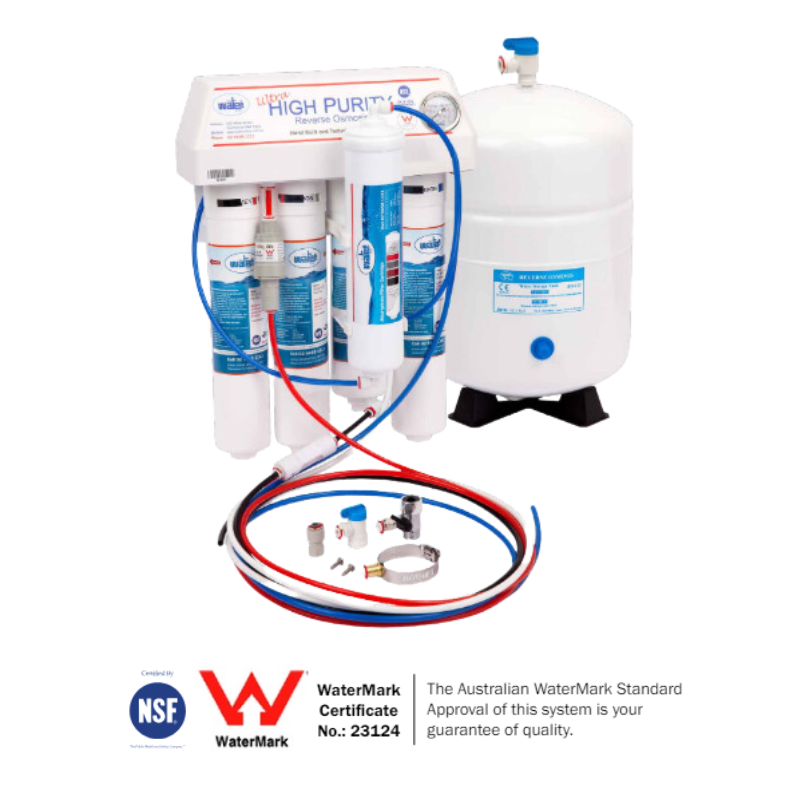
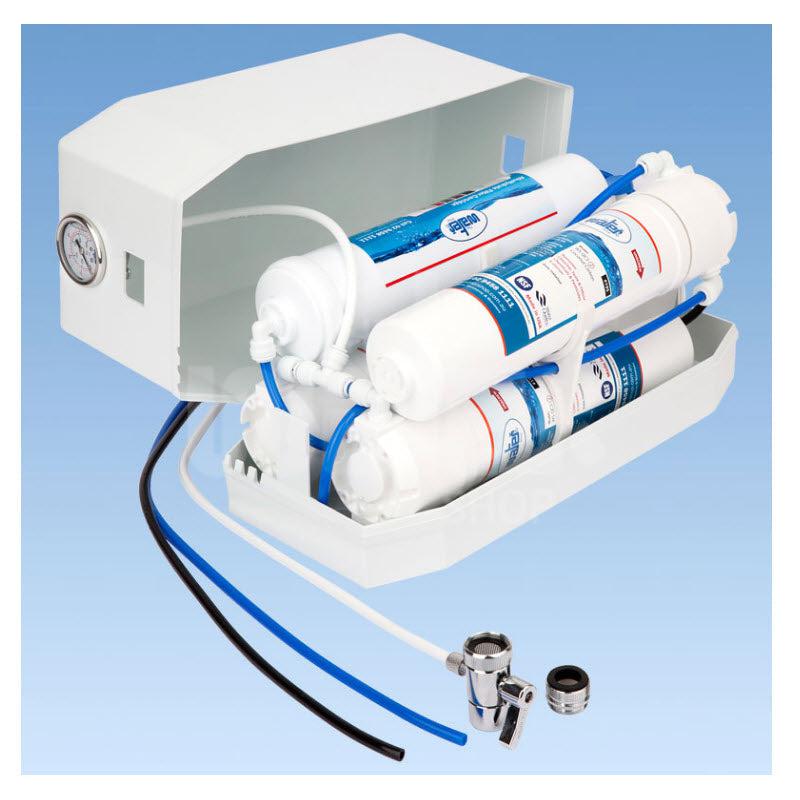
Browse our replacement cartridge range, see our Replacement Filter Cartridges Guide for system-specific intervals, or our Benchtop Water Filters Guide for full system information.
When to Replace Your Cartridge
Most cartridges need replacing every 6–12 months. Replace sooner if you notice a drop in flow rate, a return of chlorine taste or smell, or visible sediment in the water. Don't wait for the water to taste bad — by then the cartridge has been exhausted for a while.

Step-by-Step: Replacing an 8-Stage KDF Gravity Cartridge
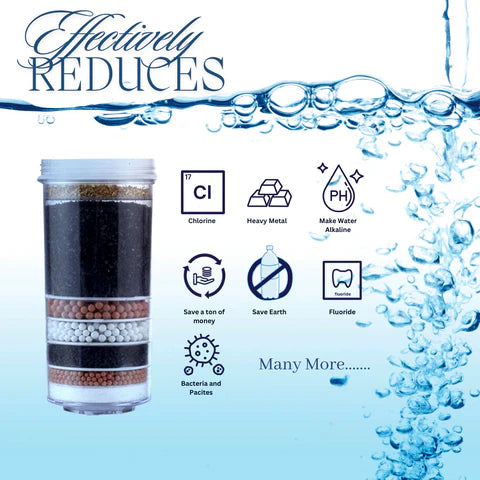
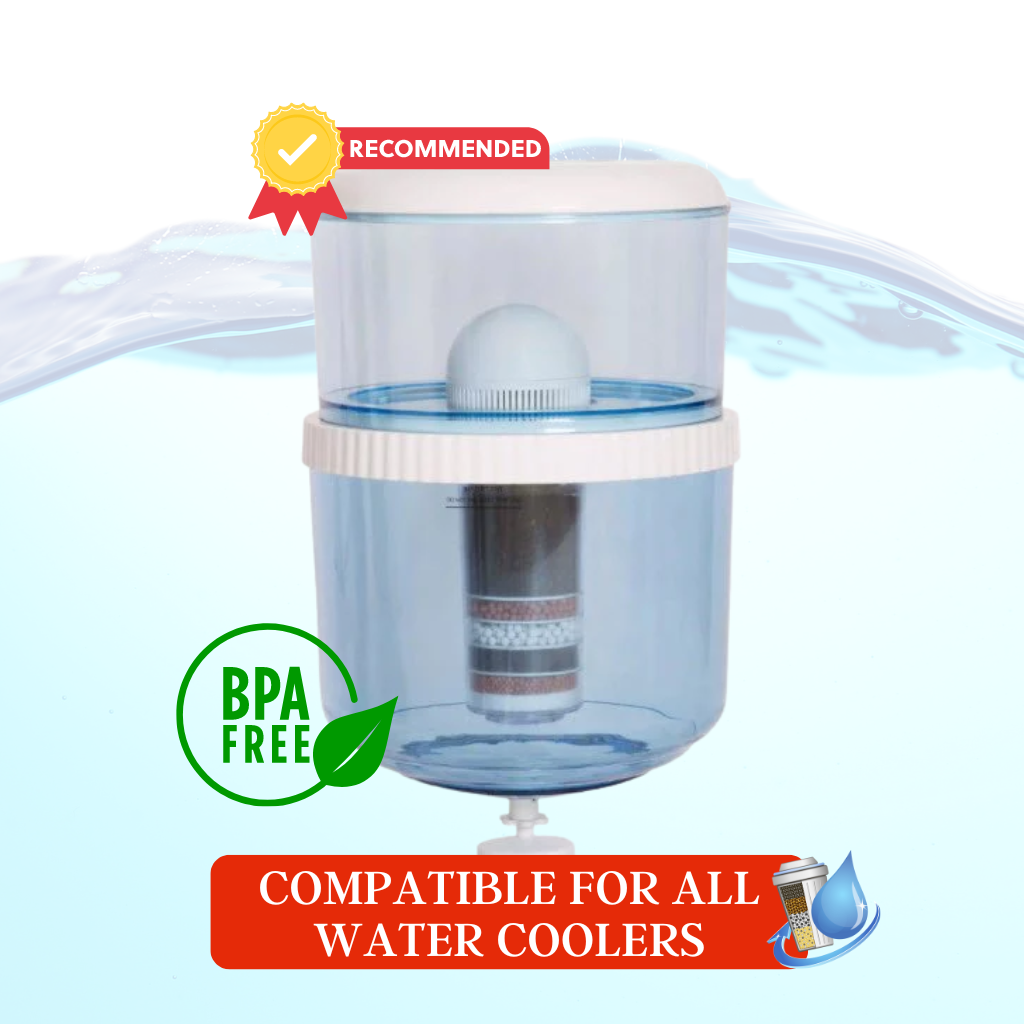
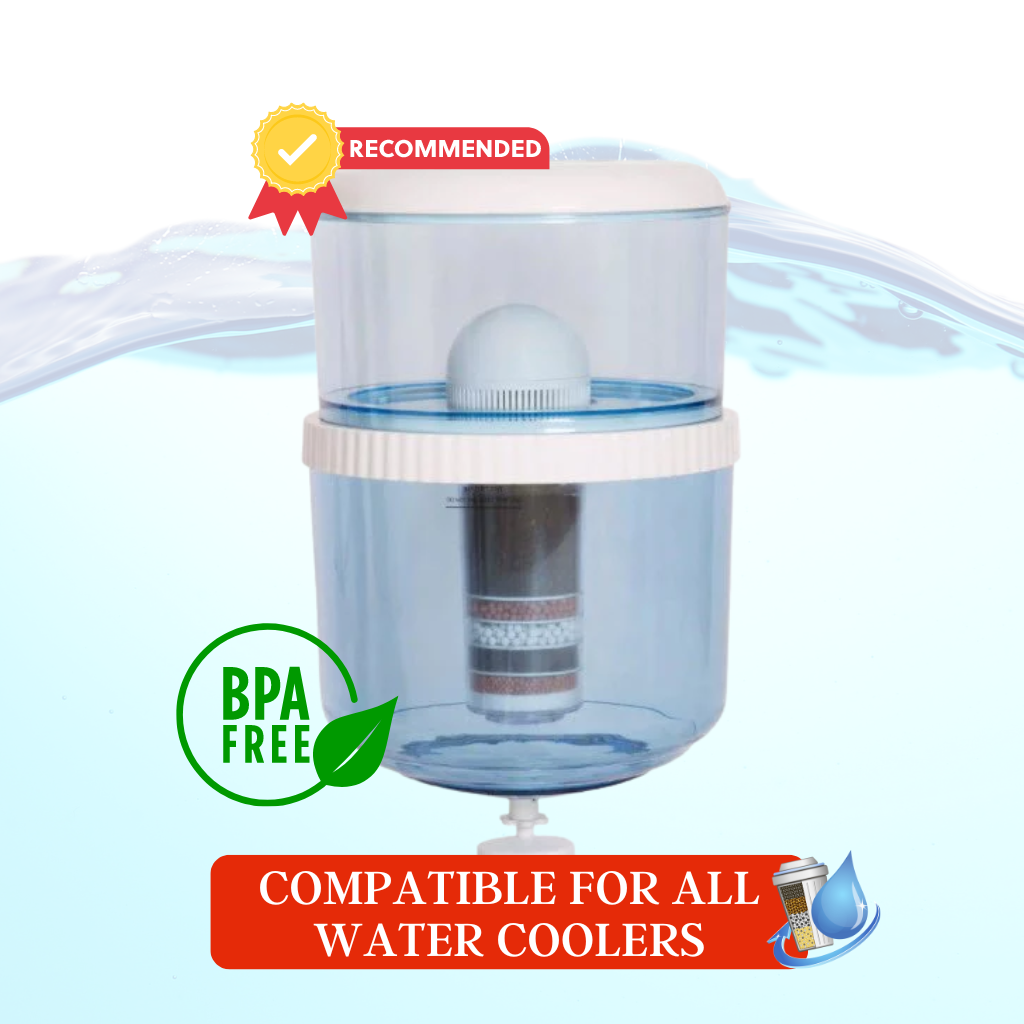
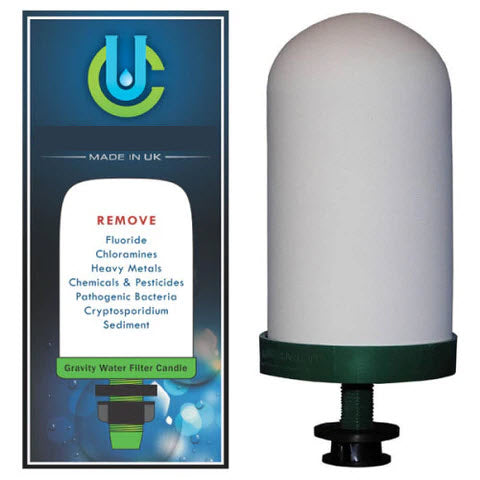
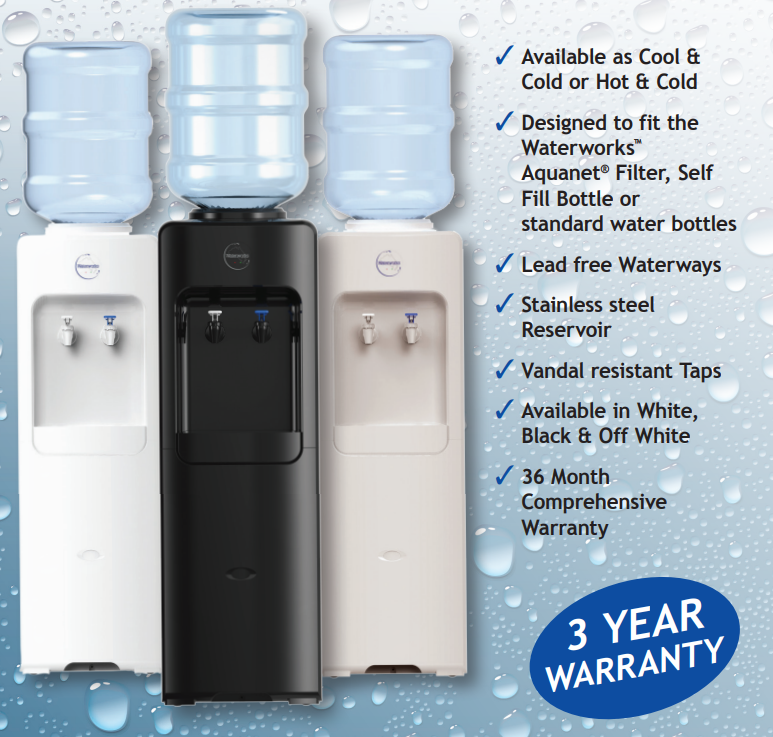
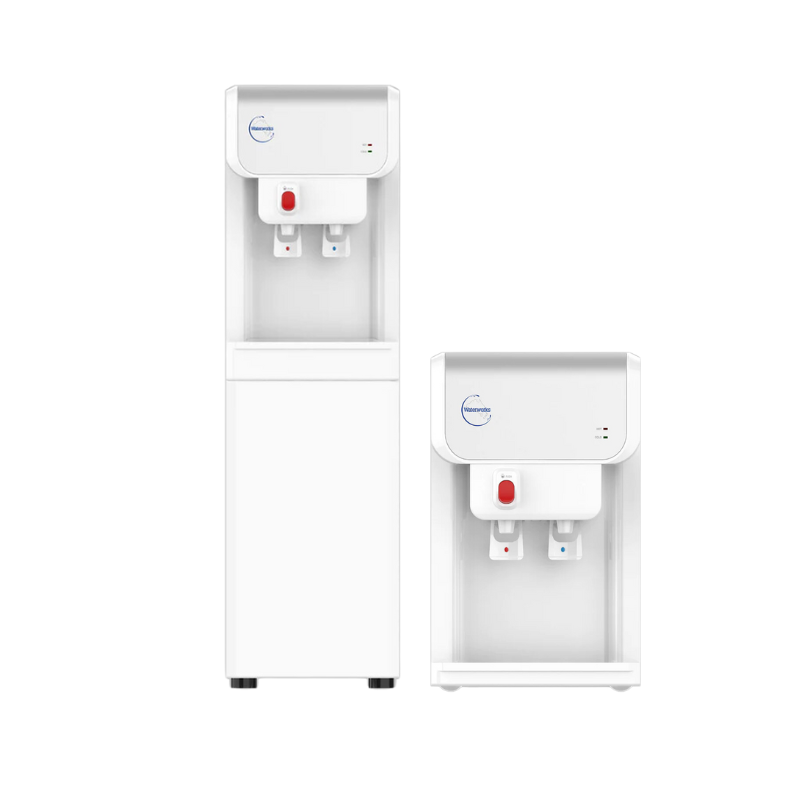
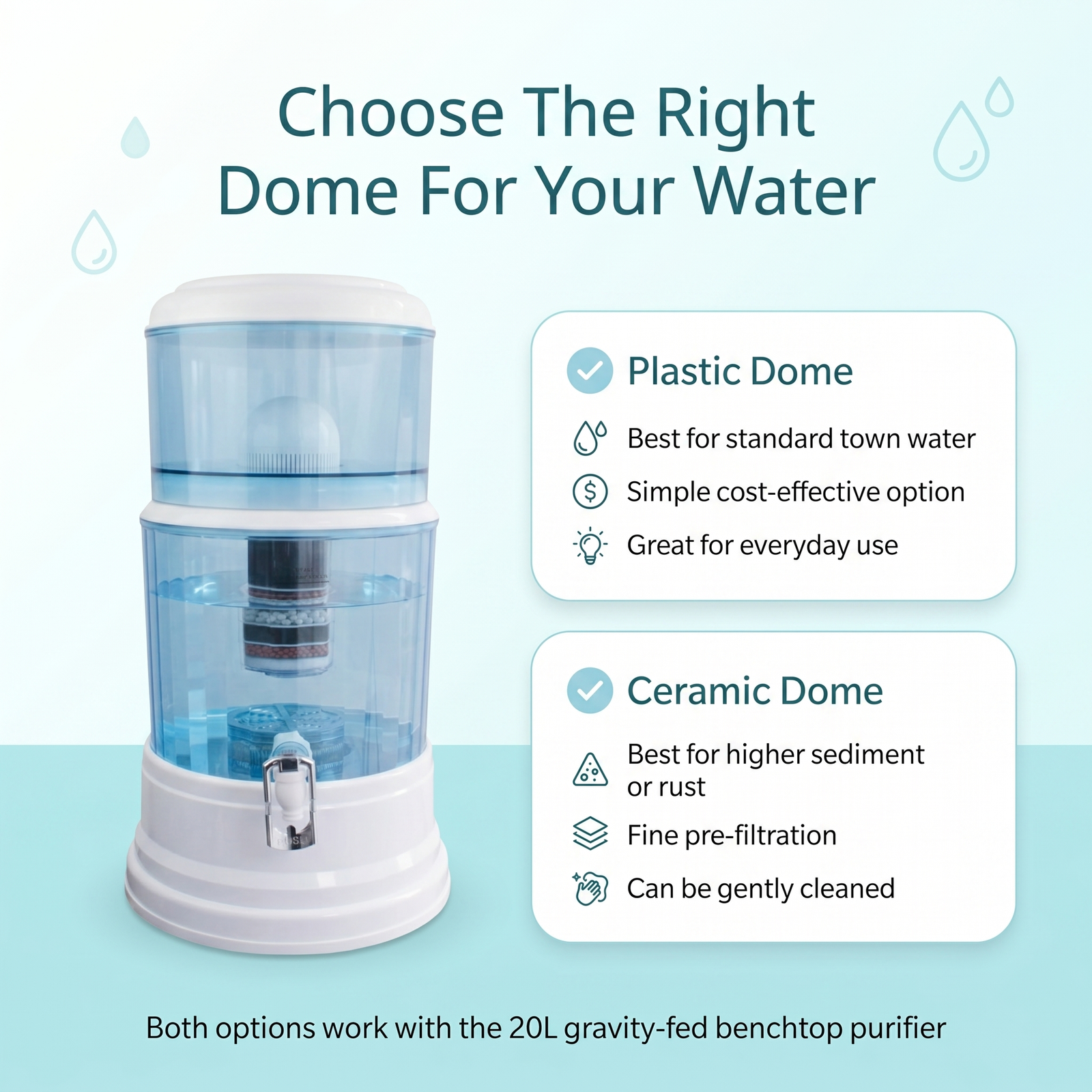
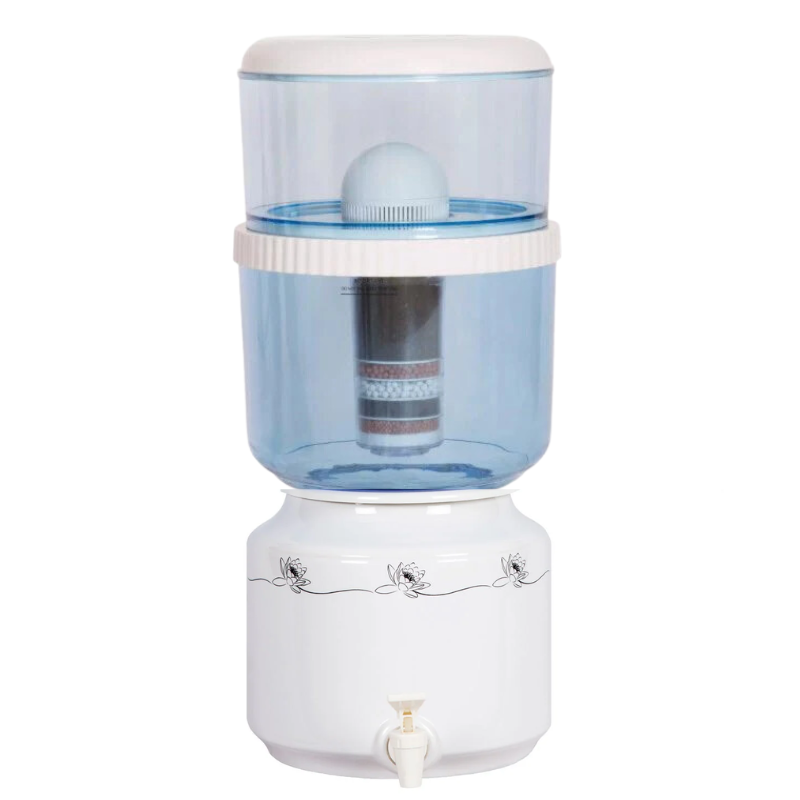
This applies to Awesome Water benchtop coolers and gravity-fed purifiers using our 8-stage KDF cartridge.
- Remove the top chamber from your cooler or benchtop purifier and empty any remaining water.
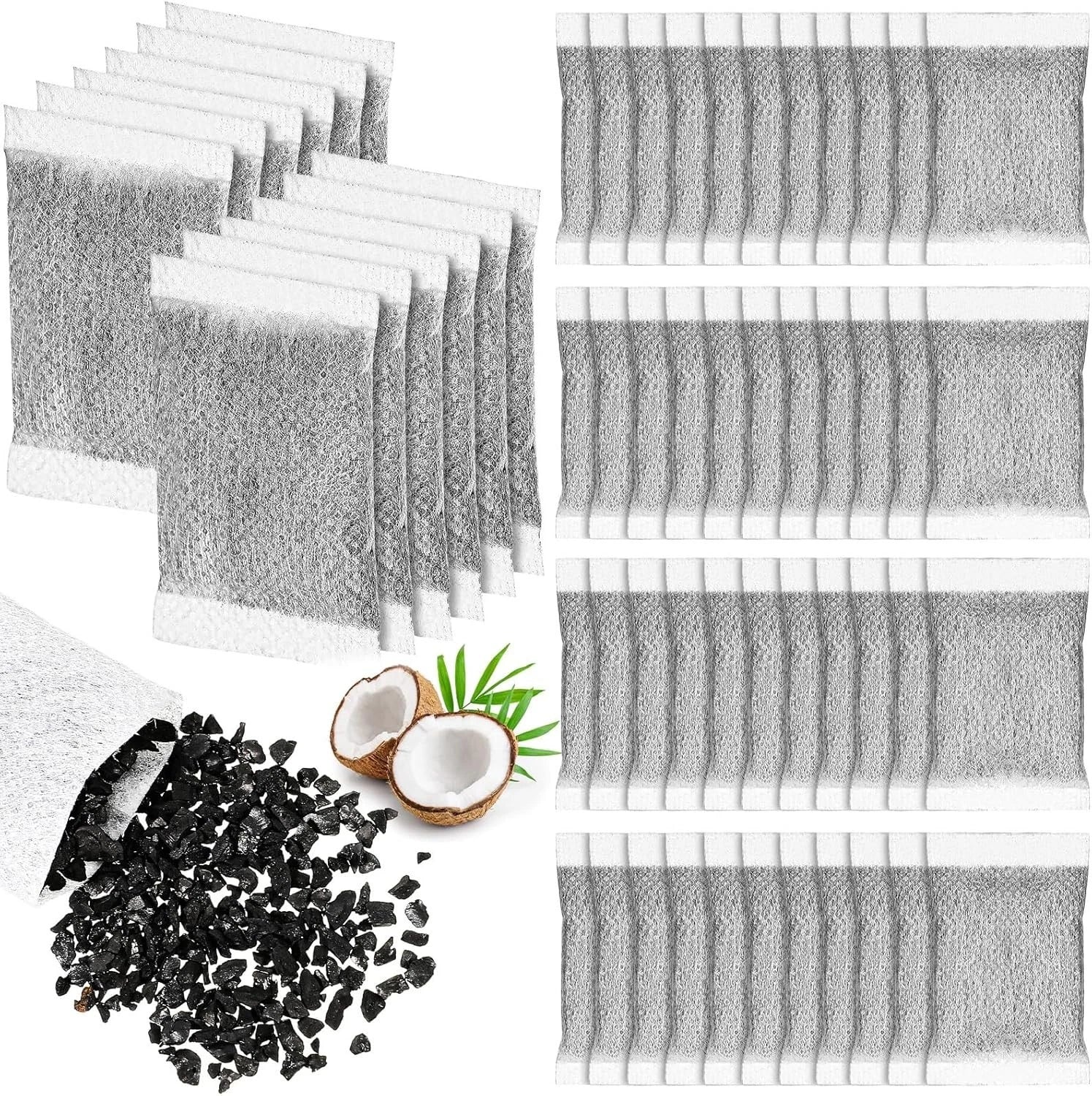
- Remove the old cartridge — lift it out of the top chamber. Dispose of it responsibly (check your local council for recycling options).
- Rinse the top chamber with clean water to remove any sediment or residue.
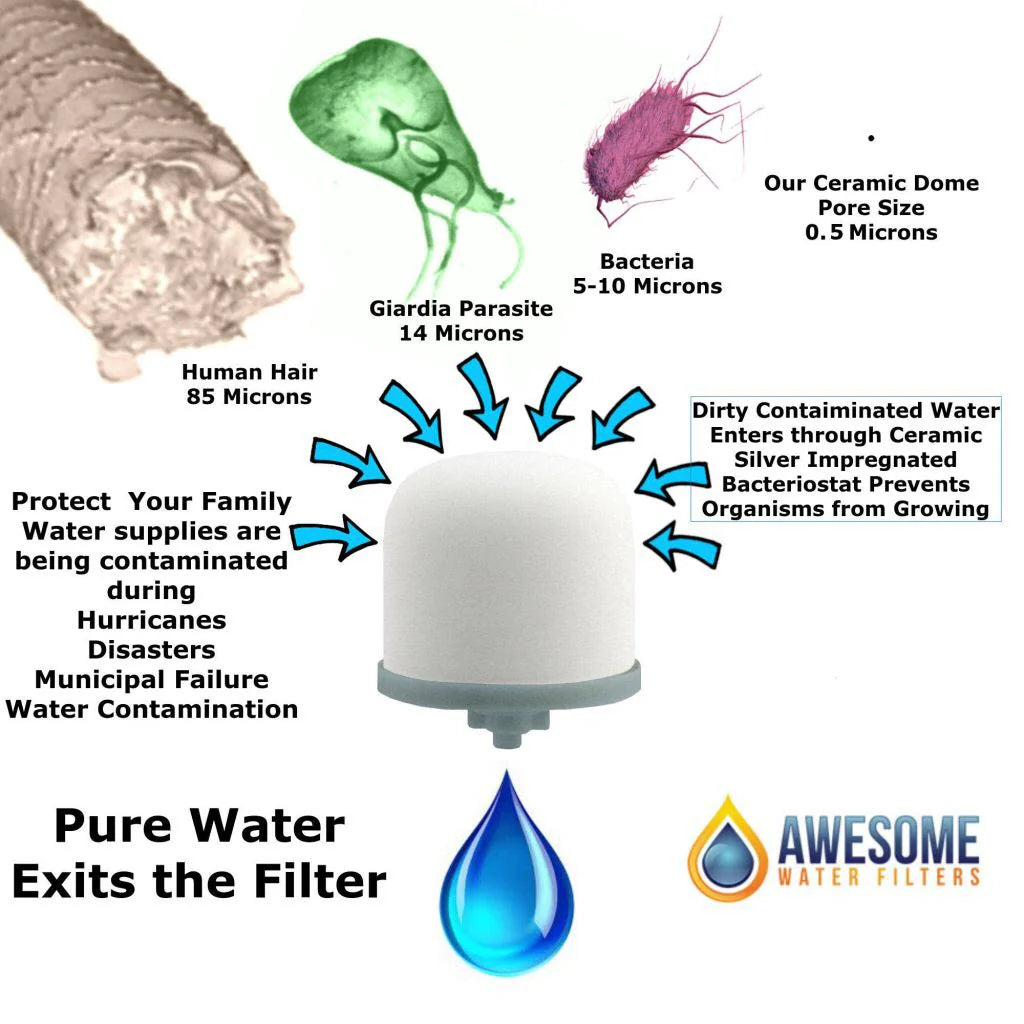
- Unwrap the new cartridge and place it in the top chamber, dome-side down.
- Fill the top chamber with tap water and allow it to filter through into the lower chamber. Discard the first full chamber of filtered water — this flushes any carbon fines from the new cartridge.
- Refill and use normally. Your water is now filtered through the fresh cartridge.
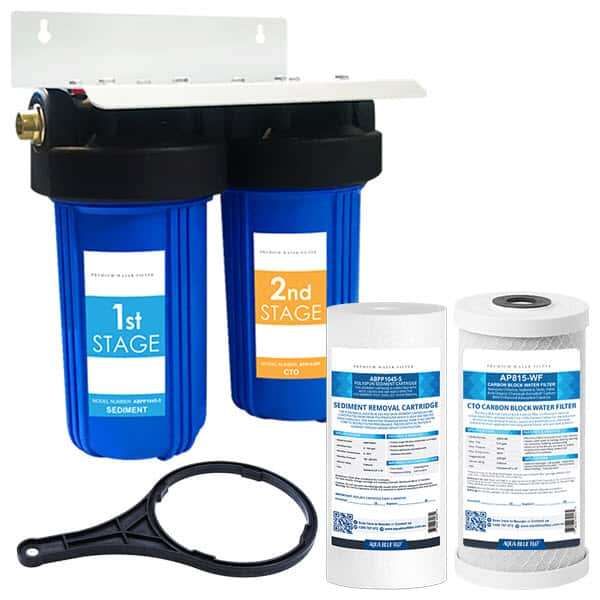
Step-by-Step: Replacing an Under-Sink or Benchtop Cartridge

- Turn off the water supply to the filter system.
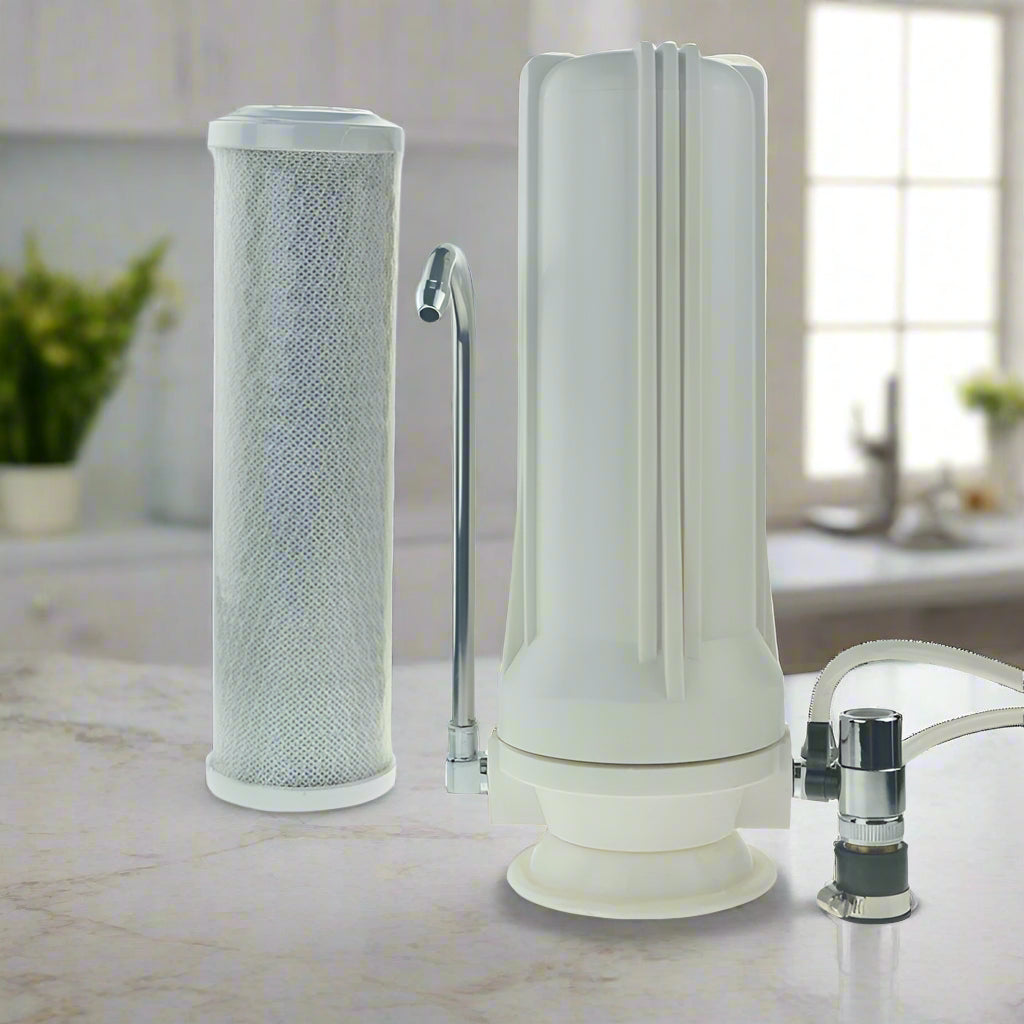
- Open the filter housing using a filter wrench (usually supplied with the system). Have a bucket or towel ready for any water that spills.
- Remove the old cartridge and dispose of it responsibly.
- Clean the inside of the housing with a soft cloth and mild soap. Rinse thoroughly.
- Install the new cartridge according to the manufacturer's instructions — usually insert and twist to lock.
- Reassemble the housing and ensure all seals are secure.
- Turn the water supply back on and check for leaks.
- Flush the new cartridge by running water through for 2–3 minutes before drinking. The water may appear slightly cloudy initially — this is normal and clears quickly.
- Reset any filter indicator if your system has one.
Frequently Asked Questions
Why is the water cloudy after replacing the cartridge?
Cloudiness after a new cartridge installation is caused by fine carbon particles and trapped air being flushed out. Run water through for 2–3 minutes and it will clear. It's harmless.
Can I recycle my old water filter cartridge?
Some cartridges can be recycled — check with your local council or the manufacturer. If recycling isn't available, dispose of in regular household waste. The cartridge housing is typically plastic; the media inside is inert.
Which replacement cartridge do I need for my Awesome Water system?
For Awesome Water benchtop coolers and gravity-fed purifiers, use our 8-stage KDF cartridge. For under-sink systems, see our under-sink cartridge range. Not sure? Call us on 1800 789 781.